Explore Carrom Aim Assistance
BitAim APK Carrom Aiming Guide
BitAim APK provides visual guidance for studying carrom shots. Explore aiming controls, understand free and premium options, and check the Android setup guide before you start.
Download BitAim APKApp features and Android installation steps on the download page.
- Shot Guidance Study possible routes
- App Controls Explore aiming options
- Android Setup Follow the install guide
Study the Shot Route
bitaimapps.com
BitAim
BitAim is an Android aiming assistant that helps users study carrom shots through visual guidance. It shows possible shot routes so you can better understand the striker’s and target coin’s directions. Users can explore direct shots, indirect shots, and additional premium options. The app focuses on aiming assistance, although users still need to make their own decisions during play. A visible line can show a route, but it doesn’t guarantee every shot will work.
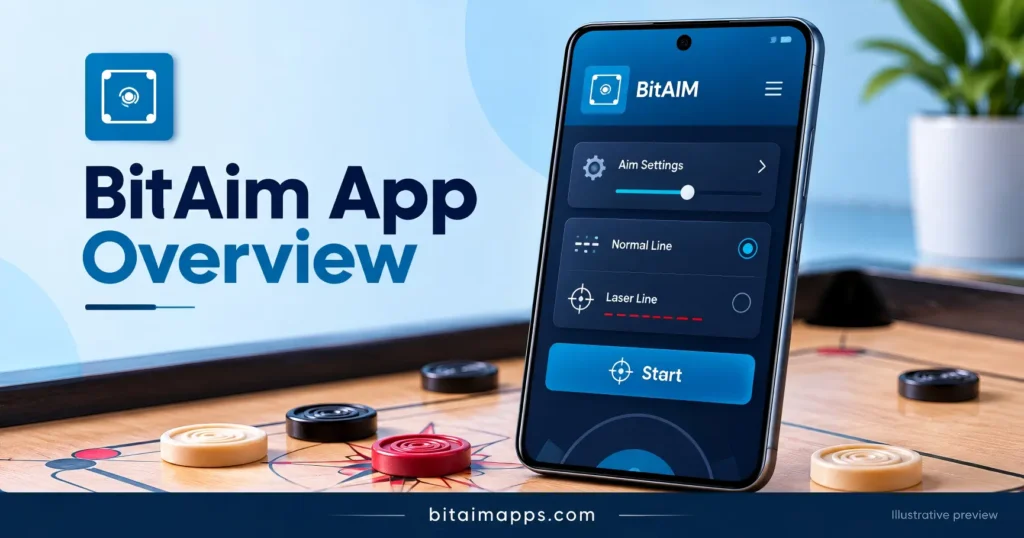
The BitAim app brings aiming controls and help options into one interface. You can review the available settings, open a tutorial, and follow the instructions before starting assistance. The developer lists direct and indirect shots as free, while premium shots require payment. So, check the current plan before choosing a paid option. Some users download it to study basic angles. Others want to understand more involved routes across the board. The setup takes some attention at first, especially when you are learning where the controls are.
What Is the BitAim App?
The app provides visual assistance for carrom aiming on supported Android devices. A direct shot uses a simpler route toward the target. An indirect shot follows a more involved path and may use a rebound. With this guidance, you can see how a coin’s position changes the available shot. The supplied interface also shows line options, tutorial access, and premium information. These controls may change between releases, so your installed version can look slightly different.
People searching for BitAim Carrom Pool usually want to know how the assistant works alongside the game. It installs as a separate app rather than replacing the game itself. The developer lists support for Android 7 and says older Android versions are unsupported. It also states that the service does not support iOS. Check the requirements of the package you download, because the Android version alone does not confirm compatibility with every phone. Also, read the current instructions before turning on assistance.
How to Use the App
Start with simpler shots so you can understand the guidance without changing many settings at once. Then explore other available options as the controls become familiar. If you cannot find a feature, check whether it’s part of a premit’splan or a later release. The tutorial is a useful place to look again.
Features of BitAim
Visual Aim Guidance
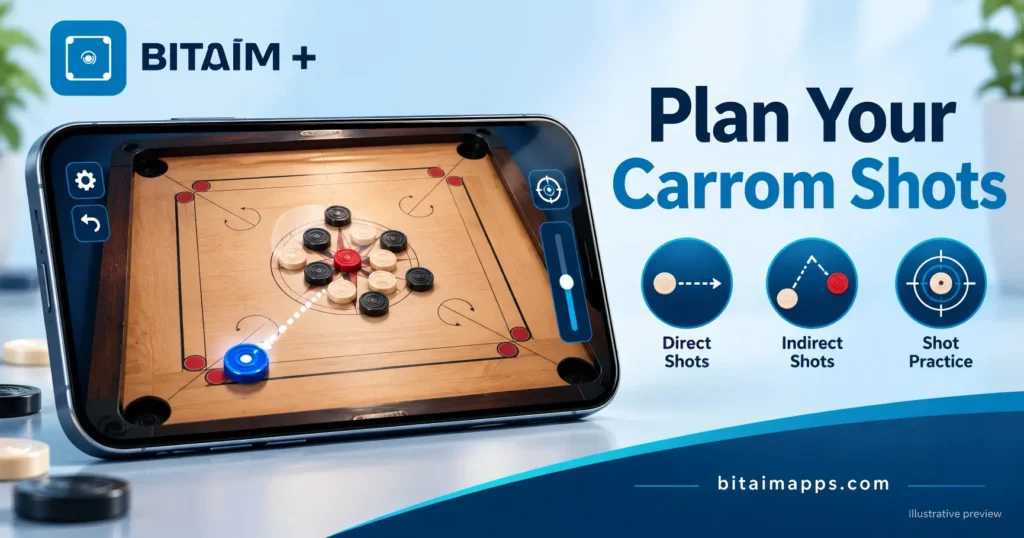
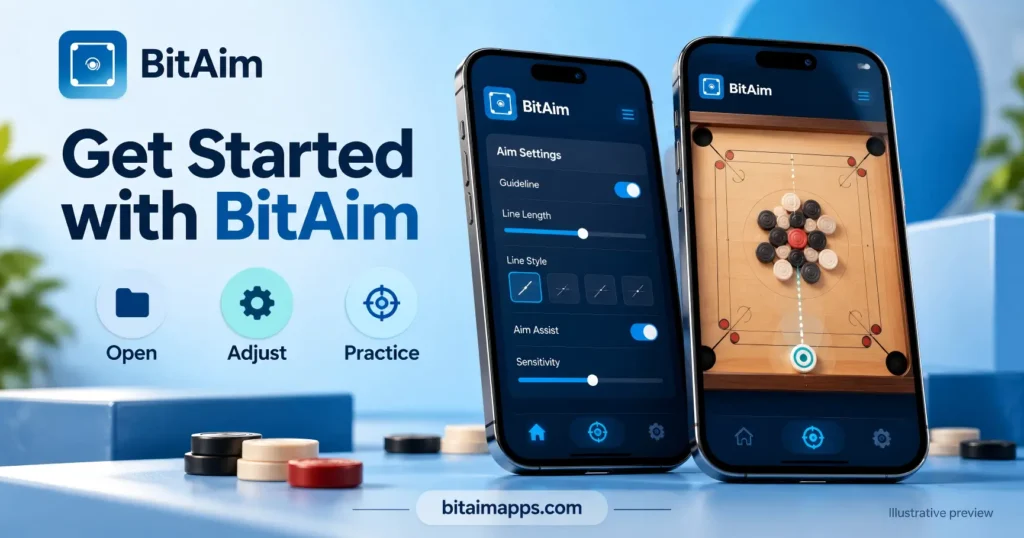
BitAim displays aiming guidance that helps users study a shot route. You can compare the visible line with the striker and coin positions. This makes the direction easier to follow before choosing a shot.
Direct Shot Practice
The developer lists direct shots as free. These shots give users a simple place to begin learning the controls. A shorter route can also be easier to understand at first.
Indirect Shot Practice
The BitAim app also includes free indirect shots, according to the developer. You can explore routes that involve more than a simple straight direction. These shots need a little more attention on the board.
Premium Shot Options
Additional premium shots require payment. Review the available plan before purchasing access. Check the current details, because older promotional screens may show different offers.
Carrom Shot Planning
Users looking for BitAim Carrom Pool guidance can explore how visual lines support shot planning. The assistant helps make a possible route easier to see. You still choose the shot and judge the position yourself.
Aiming Settings
The supplied screenshots show the aiming controls. Review the available settings before starting assistance. Their labels may differ slightly between releases.
Normal Line Choices
BitAim screenshots show several normal line options. Choose an available option and follow the tutorial to understand its purpose. Start with one setting rather than changing everything together.
Laser Line Control
A laser line control appears in the supplied interface. You can check this option through the aiming settings. Its exact behavior depends on the release you install.
Tutorial Access
The BitAim app includes a tutorial or YouTube link in the supplied screens. This gives users a place to check the starting process. Also, make sure the tutorial matches your installed version.
Start Button
A visible Start button provides a clear way to begin assistance. You can review your settings before pressing it. Complete the setup first, so the process feels less confusing.
Android Support
The developer lists BitAim as an Android service with Android 7 support. It says versions below Android 7 are unsupported. Check the downloaded package requirements too, because device compatibility can vary.
Premium Plan Screen
The supplied interface includes a screen for premium plans. You can review paid options separately from the free features. Prices and plan periods may change, so check them before purchase.
Shot Study Support
The BitAim Carrom Pool guide focuses on understanding shot routes through visual assistance. You can compare a displayed path with the board layout. This can support practice, although it does not guarantee successful shots.
Privacy Information
A privacy and terms prompt appears in the supplied screenshots. Read this information before accepting it. This helps you understand the conditions attached to using the service.
Separate App Setup
The BitAim app installs separately from the supported game. You can open its controls and review the setup before starting gameplay. The assistant and game may also need separate updates.
Help During Setup
Tutorial access gives users somewhere to look when a control feels unclear. You can review the instructions instead of guessing what a setting does. It is useful to check again when your screen looks different.
Pros and Cons of BitAim
Pros
Cons
How to Download and Install BitAim
You can install the Android package by following the steps below. Before starting, check the file source and requirements. The process is fairly simple, although some phones show different menu names.
If installation fails, read the message Android shows. An incomplete download, limited storage, or package conflict can interrupt the process. Check the cause before trying again, rather than changing several settings at once.
FAQs About BitAim
Conclusion
BitAim provides visual assistance for users who want to study carrom shot routes. Its free direct and indirect shots offer a starting point, while premium shots add paid options. Check your device requirements, review the settings, and follow the current tutorial before you begin. You can return to the help screen whenever a control feels unclear.